
LiveWaiting-room TV
Token display system for clinics, on any smart TV
Turn any smart TV into your clinic's token board. It calls the next patient with a chime, shows every doctor's queue, and plays your own offers between calls, in your clinic's brand.

How the token display works
The TV follows your OP queue on its own. Nobody at the front desk has to touch it.
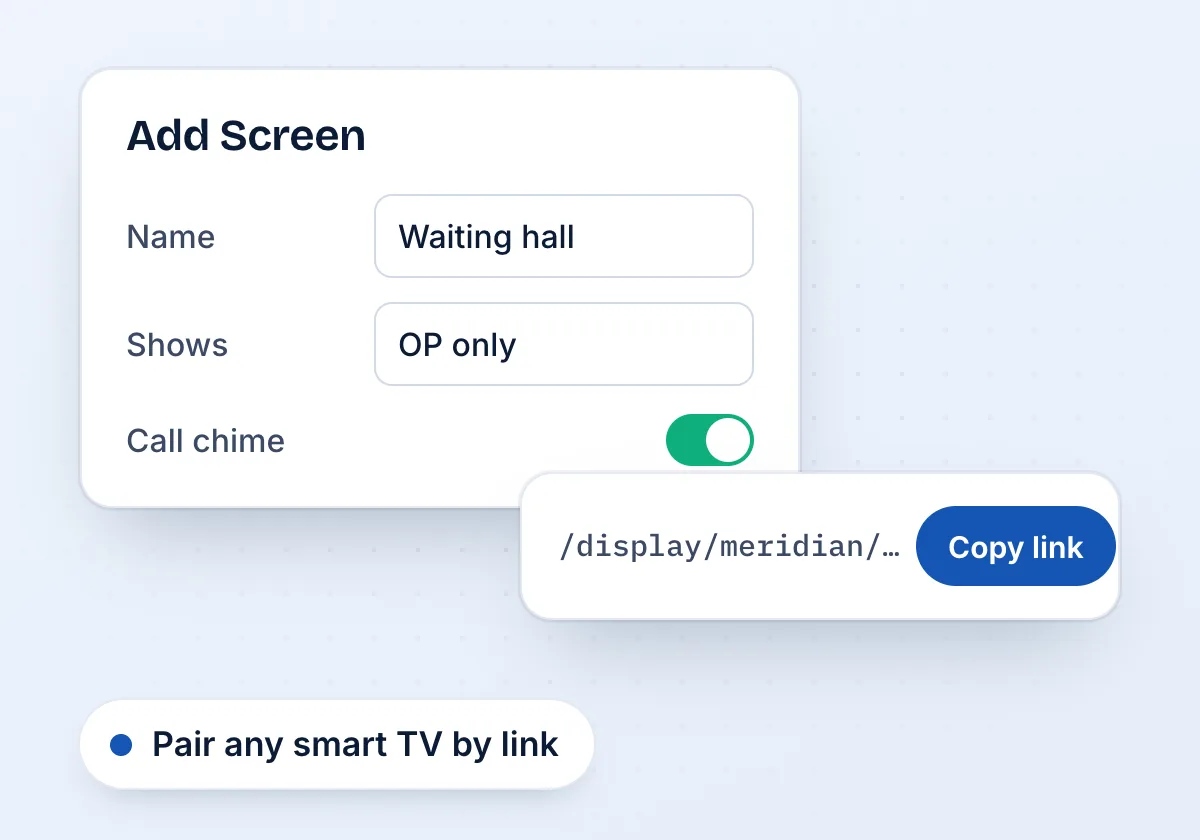
Pair a TV with a link
Add a screen, choose what it shows, then open its link in the TV's browser.
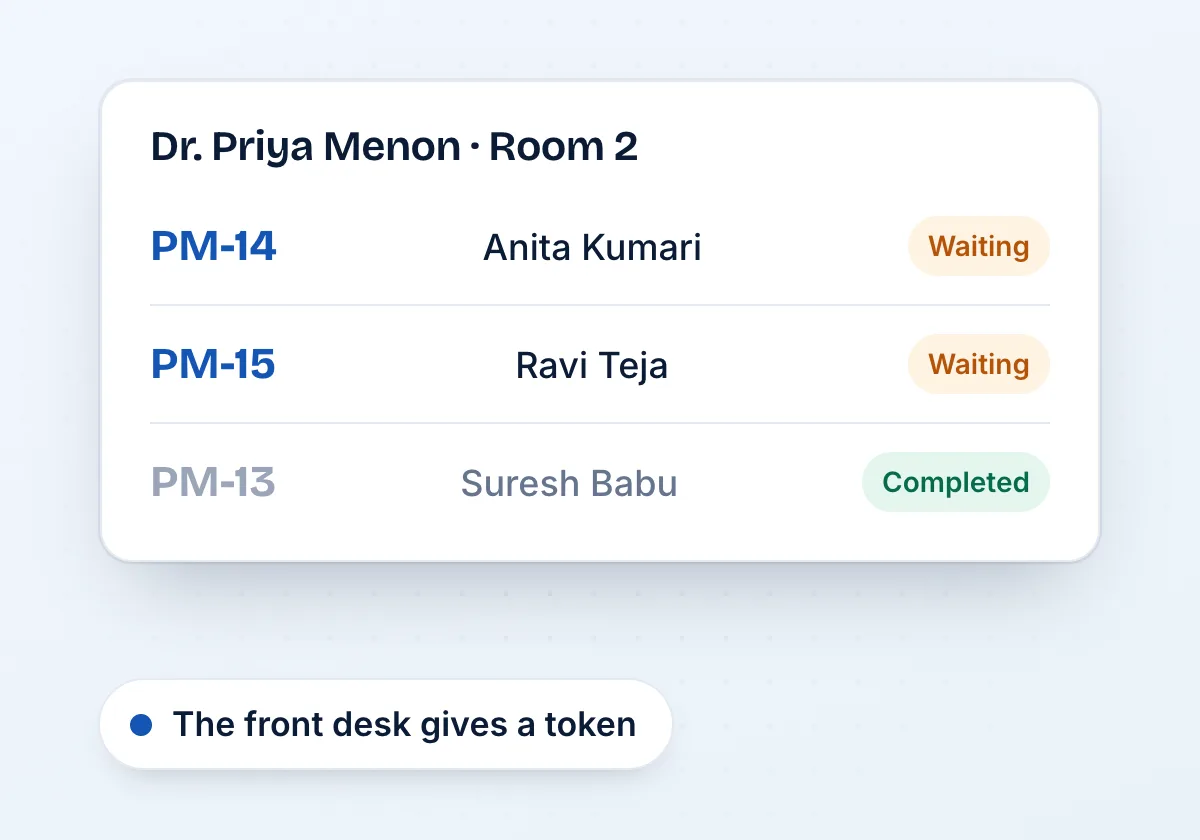
The front desk gives a token
Every patient gets a token for their doctor, like PM-14.
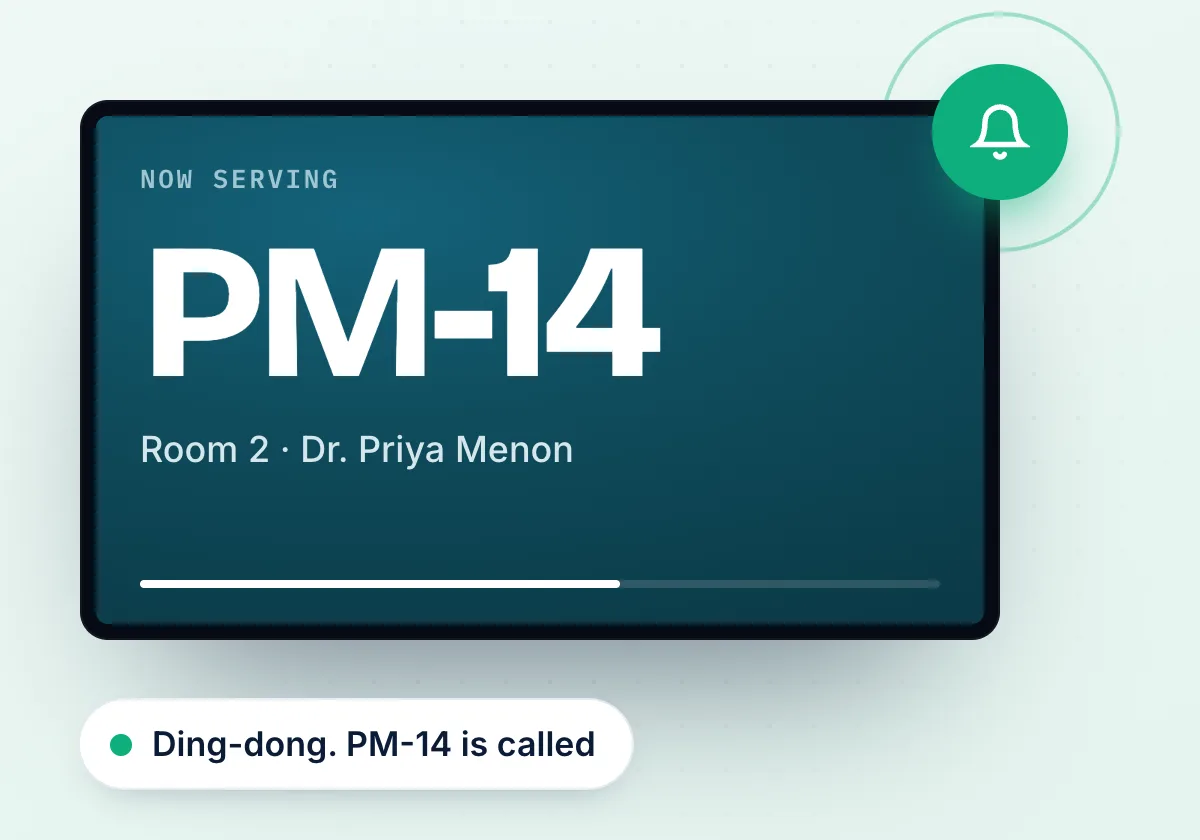
The TV calls it
The moment the doctor starts the consult, the TV shows "Now serving" with the room, and plays a ding-dong.
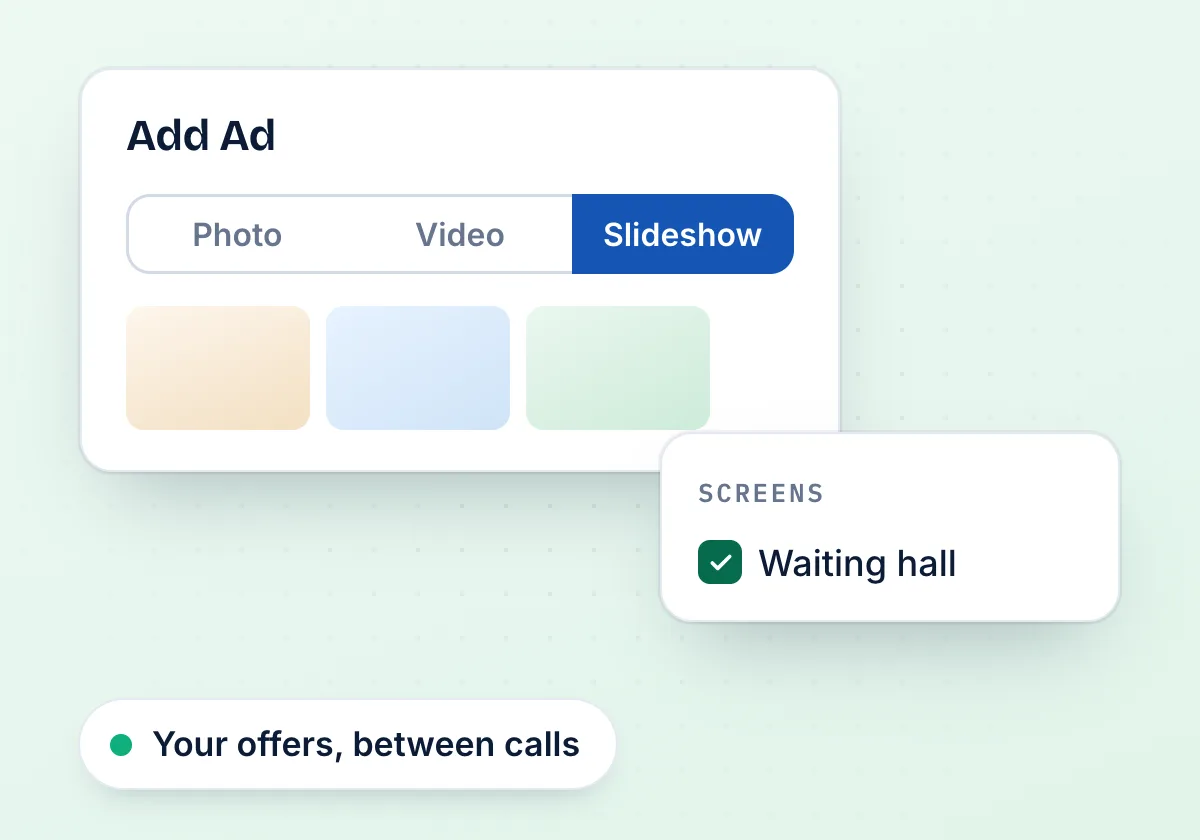
Your offers play between calls
Photos, videos or slideshows of your packages and camps, on the screens you choose.
What the token display shows
Who's being seen, who's next, and what else your clinic offers.
Every doctor, live
Each doctor's current token along the bottom of the screen, up to six at a time, paging through if you have more.
OP, or OP and IP
Choose per screen, and set how long "Now serving" stays up, from 8 to 40 seconds.
A chime you control
Switch the ding-dong on or off for each screen, or mute it from the reception queue.
Track your token
A QR code on the screen lets patients follow the queue on their own phone.
In your clinic's brand
Your logo, name and colour on the screen. Not ours.
Ads that fit
Photo, video or slideshow, filling the screen or fitting inside it, shown on the screens you pick.
What happens if the internet drops
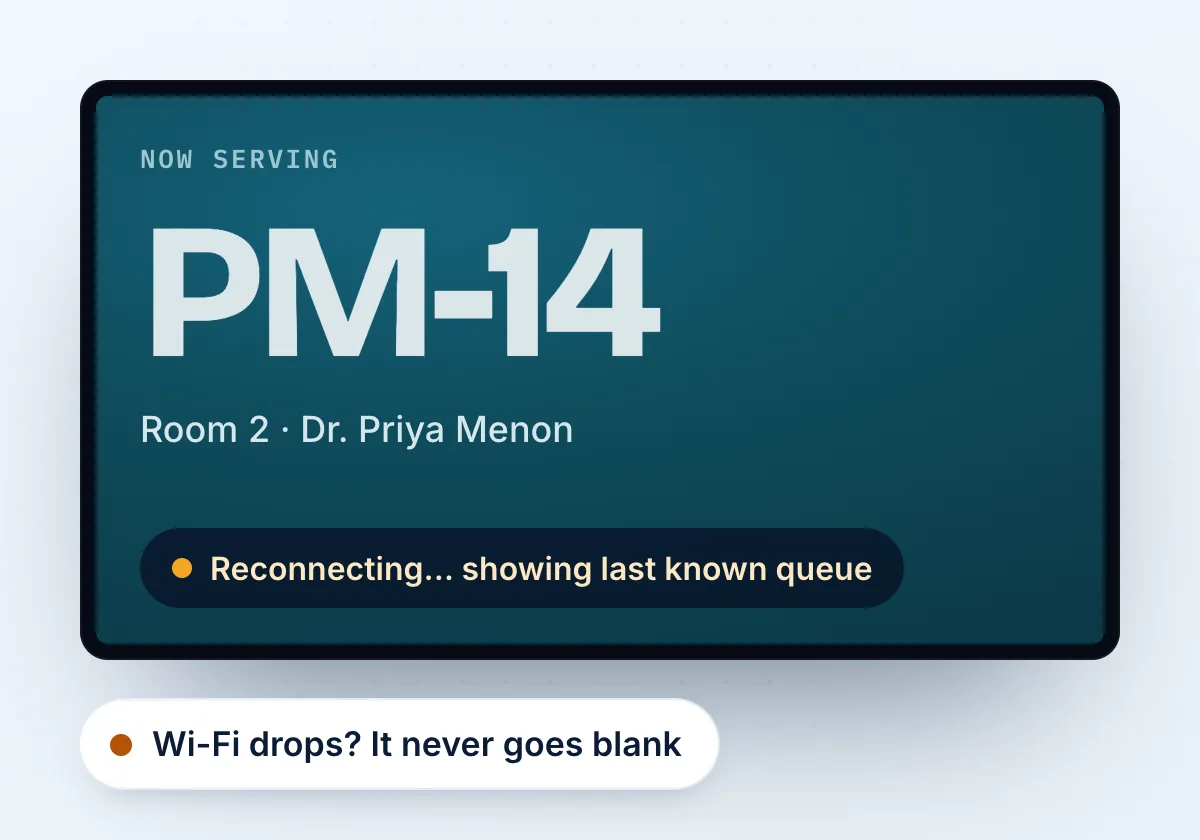
- Keeps the last queue on screen. If the Wi-Fi drops, it shows "Reconnecting… showing last known queue" instead of an error.
- Tells you when a TV is off. Your admin screen marks any TV that has stopped responding as Offline.
- No stray chimes. When a TV restarts, it doesn't replay a call that's already in progress.
- A welcome screen when it's quiet. With no one being called and no ads, it greets patients and asks them to wait for their token.
Questions about the token display
Which TVs work?
Any smart TV or screen with a web browser. It fills any 16:9 screen.
Does it work for a diagnostic lab?
It runs on your clinic's OP queue, or OP and IP. A diagnostics-only lab has no consultation queue to show.
Can I show my own ads?
Yes. Upload photos, videos or slideshows, and choose which screens show them.
What happens if the internet drops?
The screen keeps the last known queue and says it's reconnecting. It picks up again on its own.
Can I turn the sound off?
Yes, per screen, or quickly from the reception queue.
More HealthFlow features
Start today, or let us set it up
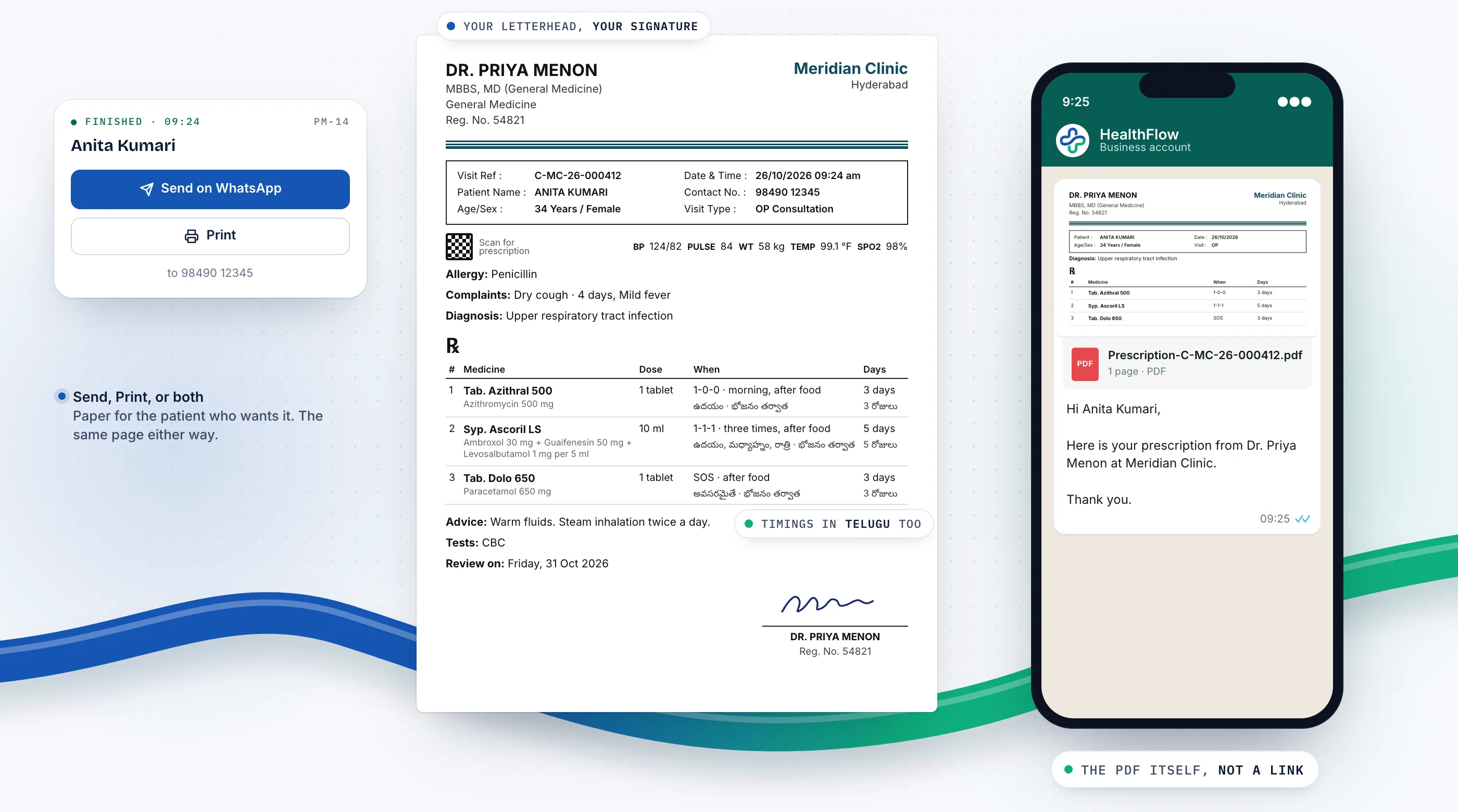
Try it free on your own tests, or plan your onboarding with us and see a real report on your letterhead first.