
Multi-branch lab software
Each centre keeps its own staff, prices and day. The owner sees them side by side: net revenue, visits and turnaround per branch, and a branch that has gone quiet, the day it goes quiet.

Patient history across branches
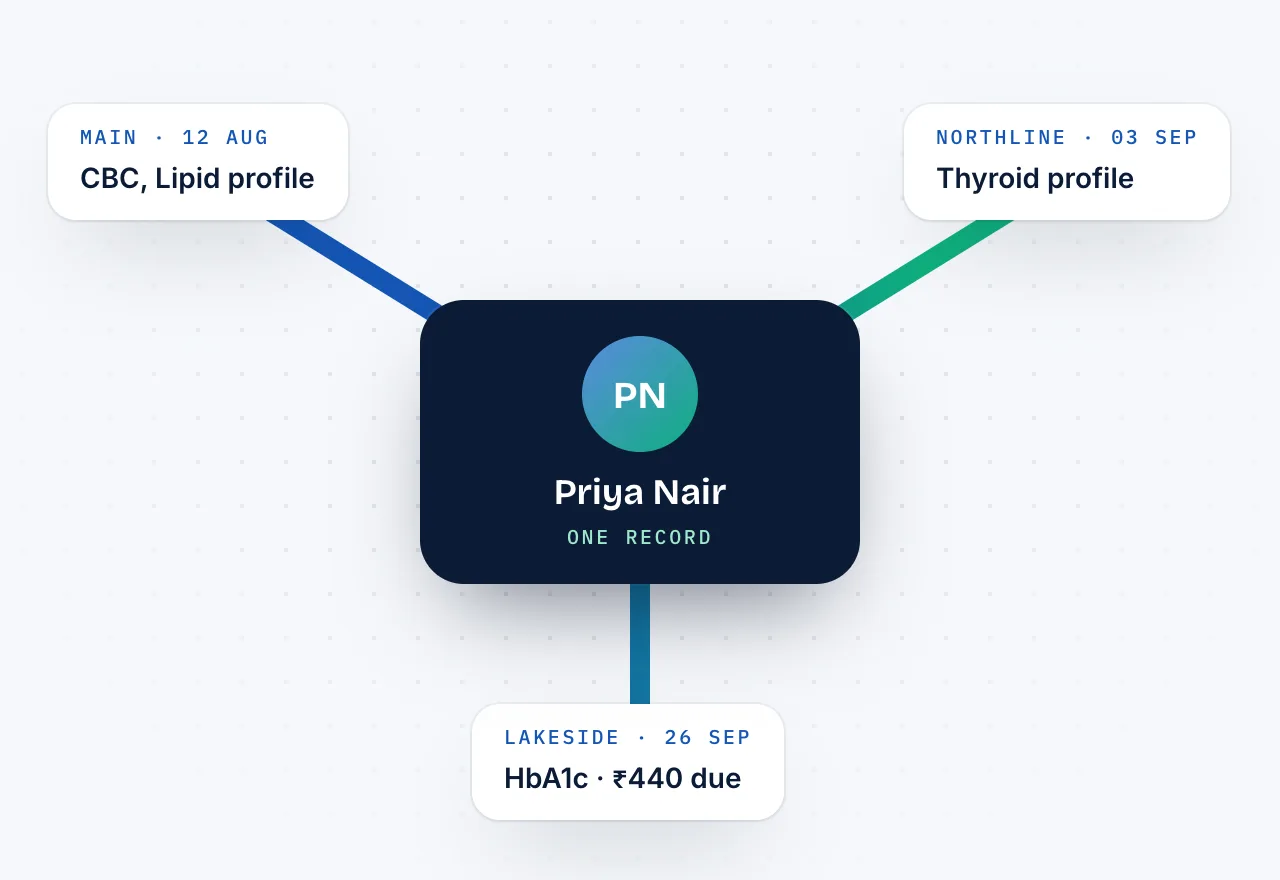
Patient 360 keeps one record across the whole lab. Whichever counter the patient walks into, their past reports, visits and dues are already there.
- Found by phone number at any branch, not registered again
- History, dues and past reports together, across every branch
- A due from one branch is visible at the next
Prices per branch
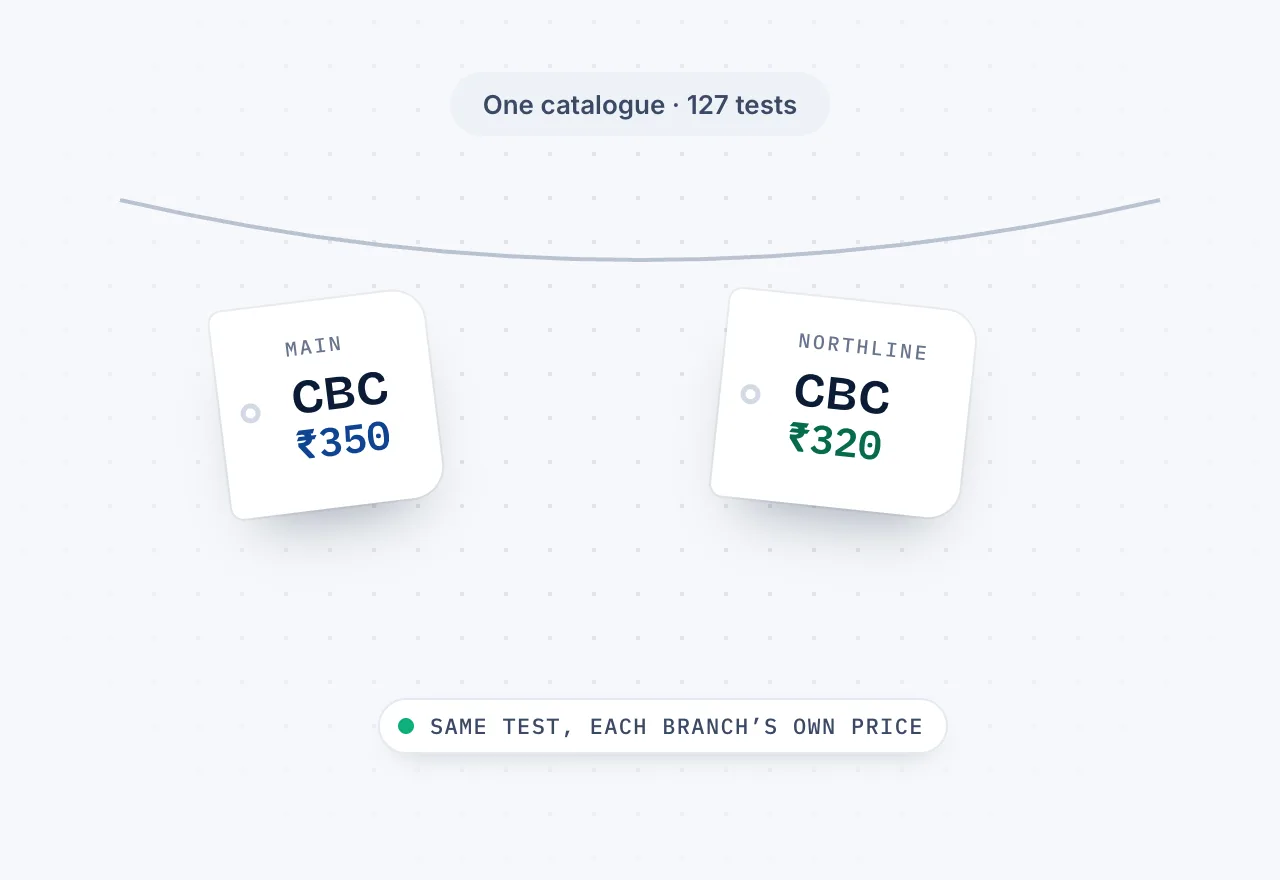
One catalogue serves the whole lab, and each branch can bill its own price: a default every branch inherits, and an override for the branch that needs one.
- Per-branch pricing on one shared catalogue
- Branch overrides you can reset to the default at any time
- Every bill uses the price of the branch it was raised in
Staff and branch access
After signing in, staff confirm the branch they're working in, and the last one used is already picked. Bills stay with the branch that raised them.
Confirm the branch
"Choose the branch you want to work in." One tap, with the last branch used already selected.
Bills stay in their branch
Access to a bill is scoped to the branch that raised it.
Roles still apply
Every person has their own login and role, in every branch.
Compare branch performance
Filter the owner view to one branch or all of them. The branch table sorts by net revenue and shows what matters for each centre.
- Net revenue after discounts and commission, per branch
- Visits, average ticket and the change on the previous period
- Median turnaround time, per branch
- A branch with no activity is marked dormant, with the number of days
How multi-branch setup works
It's arranged with premium onboarding, so every branch starts with the right prices, staff and letterhead on day one.
Tell us your branches
Names, counters, staff, and how prices differ between them.
We set up every branch
One catalogue with branch prices, staff roles and letterheads.
You see them all at once
Each branch runs its own day. The owner view compares them live.
Questions about multiple branches
Can each branch charge its own price for the same test?
Yes. The whole lab shares one catalogue, and each branch can have its own price, so every counter bills the price you set for it.
Is a patient's history shared between branches?
Yes. Patient 360 keeps one record across every branch, with past reports, visits and dues together, so a returning patient is found by phone number wherever they walk in.
Can staff at one branch see another branch's bills?
Staff confirm the branch they're working in after signing in, and access to a bill is scoped to the branch that raised it. Each person also has their own role.
How does the owner compare branches?
The owner view can show one branch or all of them. Its branch table sorts by net revenue and shows visits, average ticket, the change on the previous period, median turnaround, and whether a branch has gone quiet.
Can I set up multiple branches myself?
Multi-branch is arranged with premium onboarding, so our team sets up every branch's prices, staff and letterhead with you.
Start today, or let us set it up
Try it free on your own tests, or plan your onboarding with us and see a real report on your letterhead first.
10 days · no card